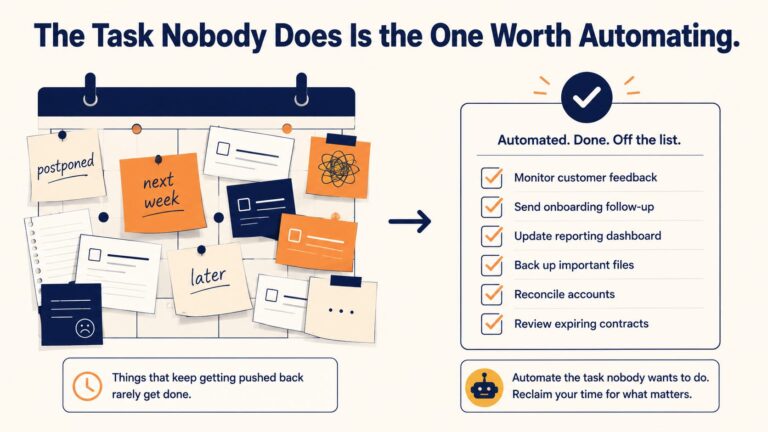
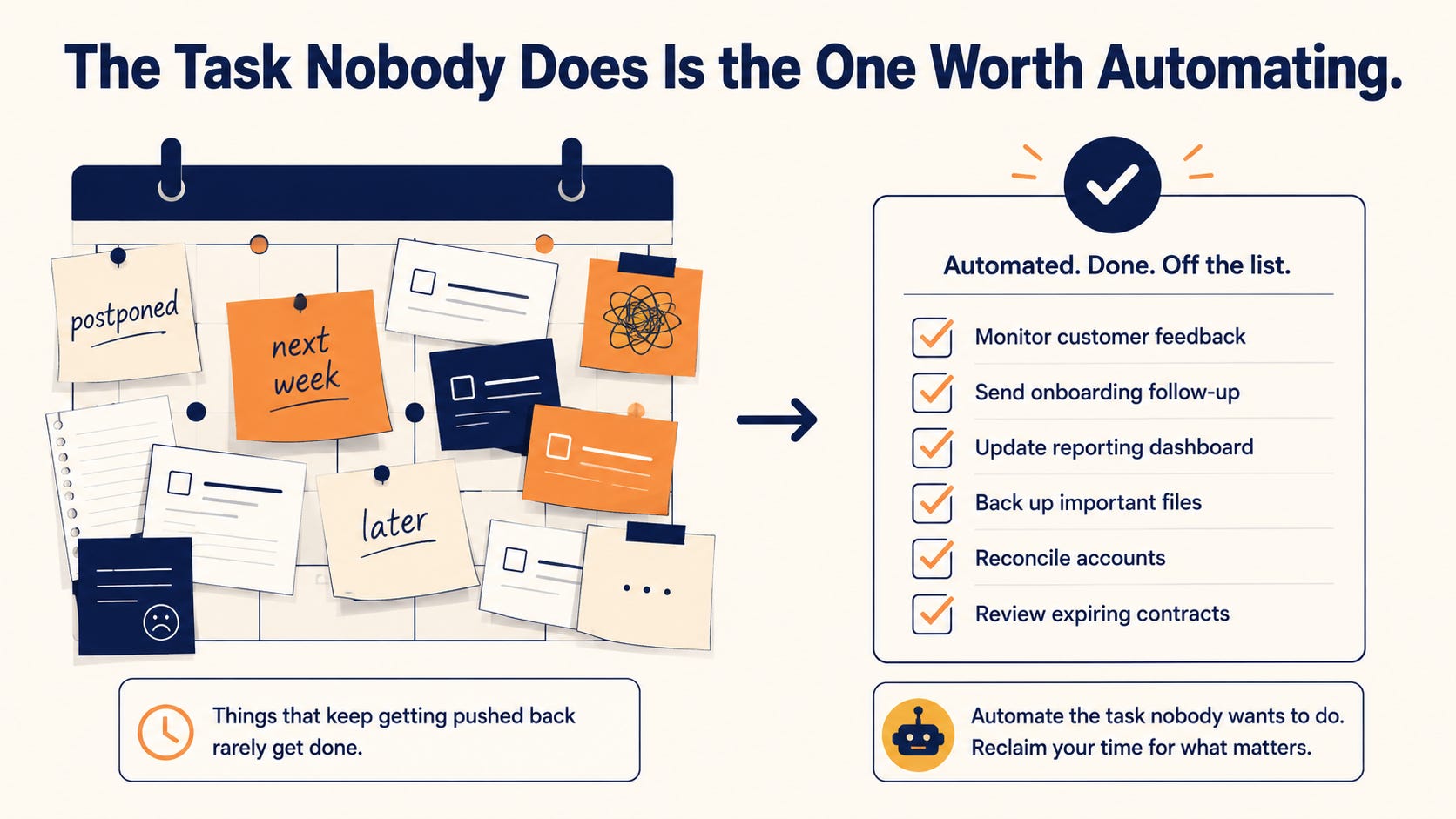
The best first AI automation is usually not the impressive one. It is the boring task your team keeps pushing to tomorrow, then next week, then whenever someone finally gets annoyed enough to deal with it.
That matters because delayed work is not just a morale problem. It is an operating signal. A task that gets postponed again and again is usually frequent, annoying, unclear, under-owned, or painful enough that people avoid it until it becomes urgent. That is exactly where small businesses should start looking for useful AI automation.
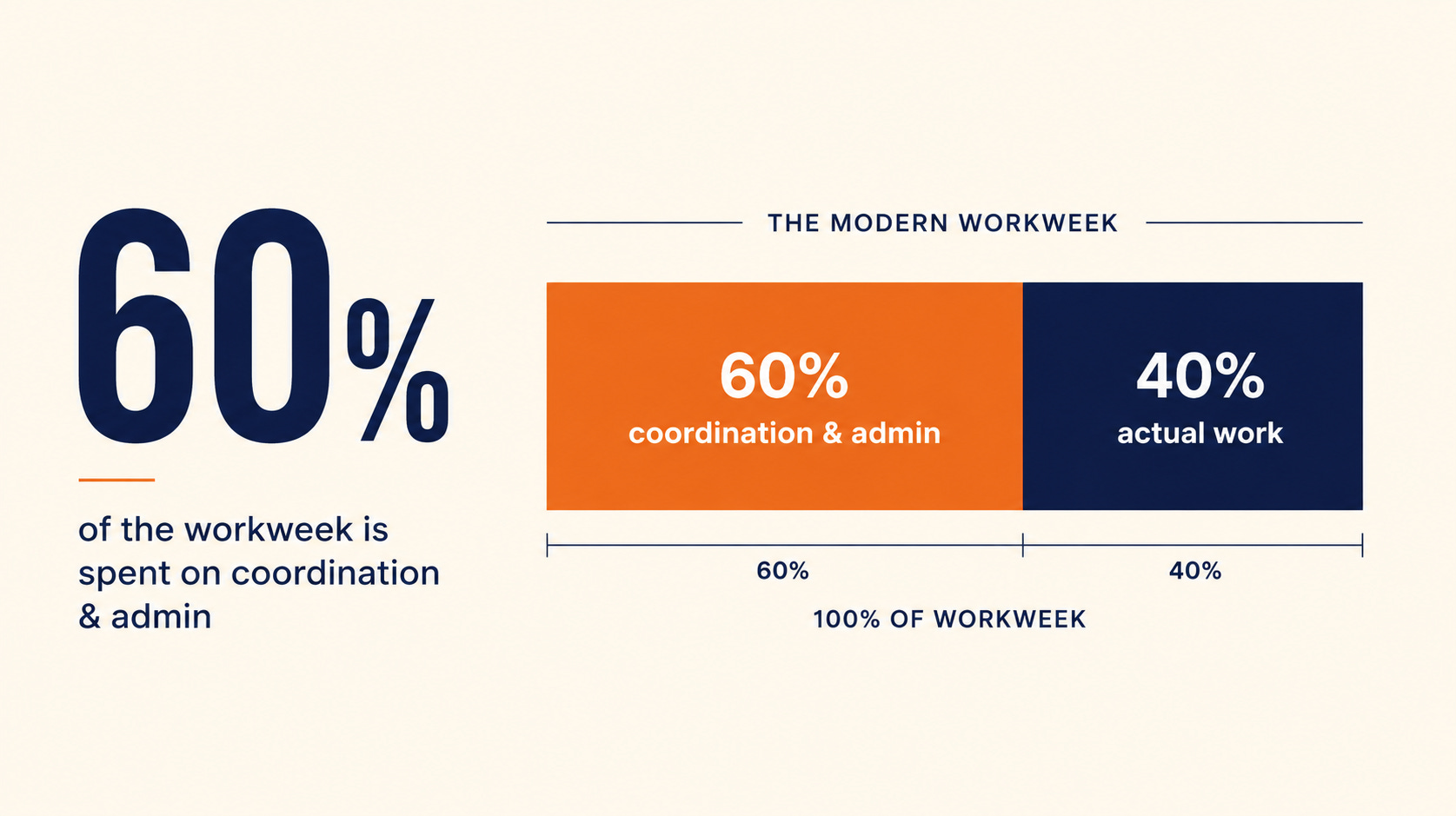
Asana’s Anatomy of Work research has repeatedly shown that knowledge workers spend a huge share of their week on work about work: searching, updating, switching, coordinating, and tracking instead of doing the work that actually moves the business. The headline number is brutal: about 60% of work time can disappear into this coordination layer.
If you run an SMB, that is not a productivity footnote. That is margin leakage. It is quote prep that waits until the end of the day. Inbox triage that never gets cleaned up. Follow-ups that depend on memory. Spreadsheet cleanup that everyone hates. Weekly reporting that gets built from scratch every Friday because nobody made the system better.
That is where AI can help. Not because AI is magic. Because the business has finally found a narrow, repeated, measurable piece of work worth fixing.
Annoying Work Is a Useful Automation Signal
When a team complains about the same task every week, listen. Complaints are not always whining. Sometimes they are the cheapest workflow audit you will ever get.
The wrong move is to start with the flashiest AI idea. The right move is to ask which task keeps getting delayed even though everyone agrees it matters. That delay usually tells you one of five things:
-
Frequency: the task happens often enough to create real drag.
-
Time cost: it burns more minutes than anyone wants to admit.
-
Error risk: rushed completion creates mistakes, misses, or rework.
-
Customer impact: delays affect response time, trust, revenue, or retention.
-
Ownership gap: nobody has a clean system for getting it done.
That is a strong candidate for automation. Not always full automation. Sometimes the right answer is AI-assisted drafting, summarizing, routing, tagging, or reminding. The point is to remove the drag without pretending judgment no longer matters.
Good first candidates include inbox triage, lead intake summaries, quote draft preparation, support ticket tagging, customer follow-up reminders, meeting note conversion, weekly report assembly, CRM cleanup, and basic document classification.
Bad first candidates are vague, political, high-risk, or relationship-heavy. If the task needs deep negotiation, sensitive judgment, or messy human context, do not start there. You are not trying to prove that AI can touch everything. You are trying to prove that AI can improve one thing that matters.
The Right First Build Is Narrow
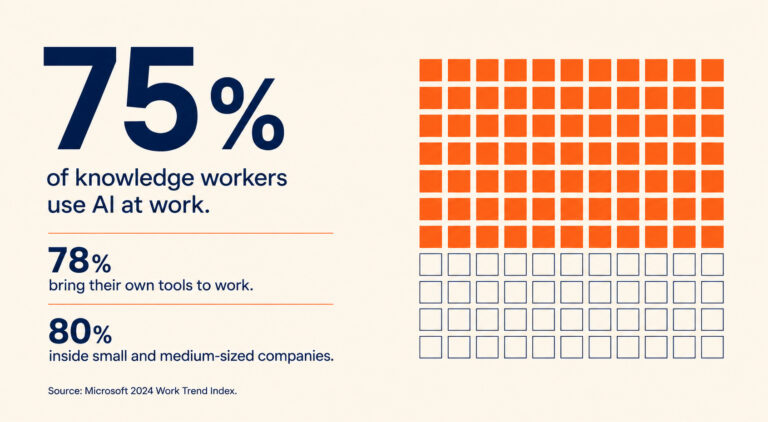
Microsoft and LinkedIn reported that 75% of knowledge workers use AI at work, and 78% of AI users bring their own AI tools. That should worry leaders. It means your team may already be experimenting before the business has defined the workflow, the rules, or the measurement.
The temptation is to respond with a company-wide AI rollout. That sounds strategic. Usually, it is too big, too slow, and too vague.
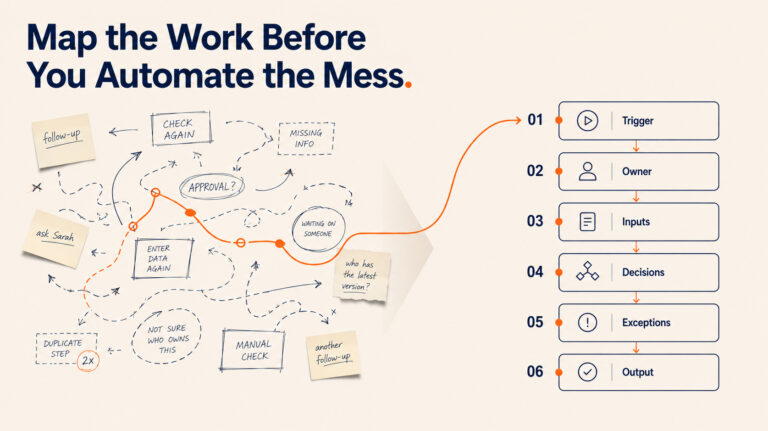
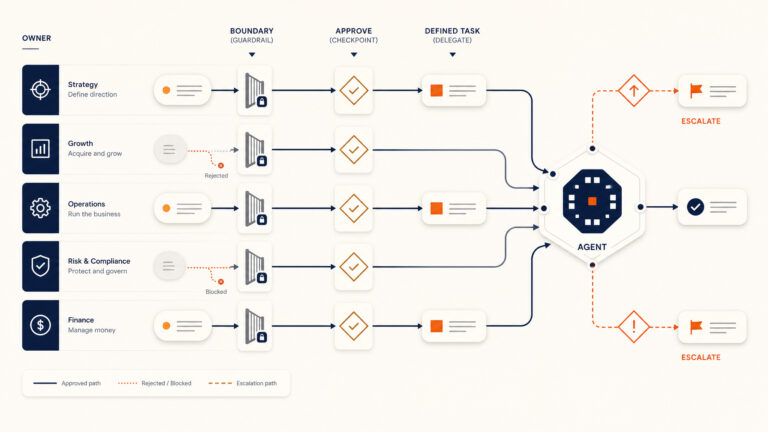
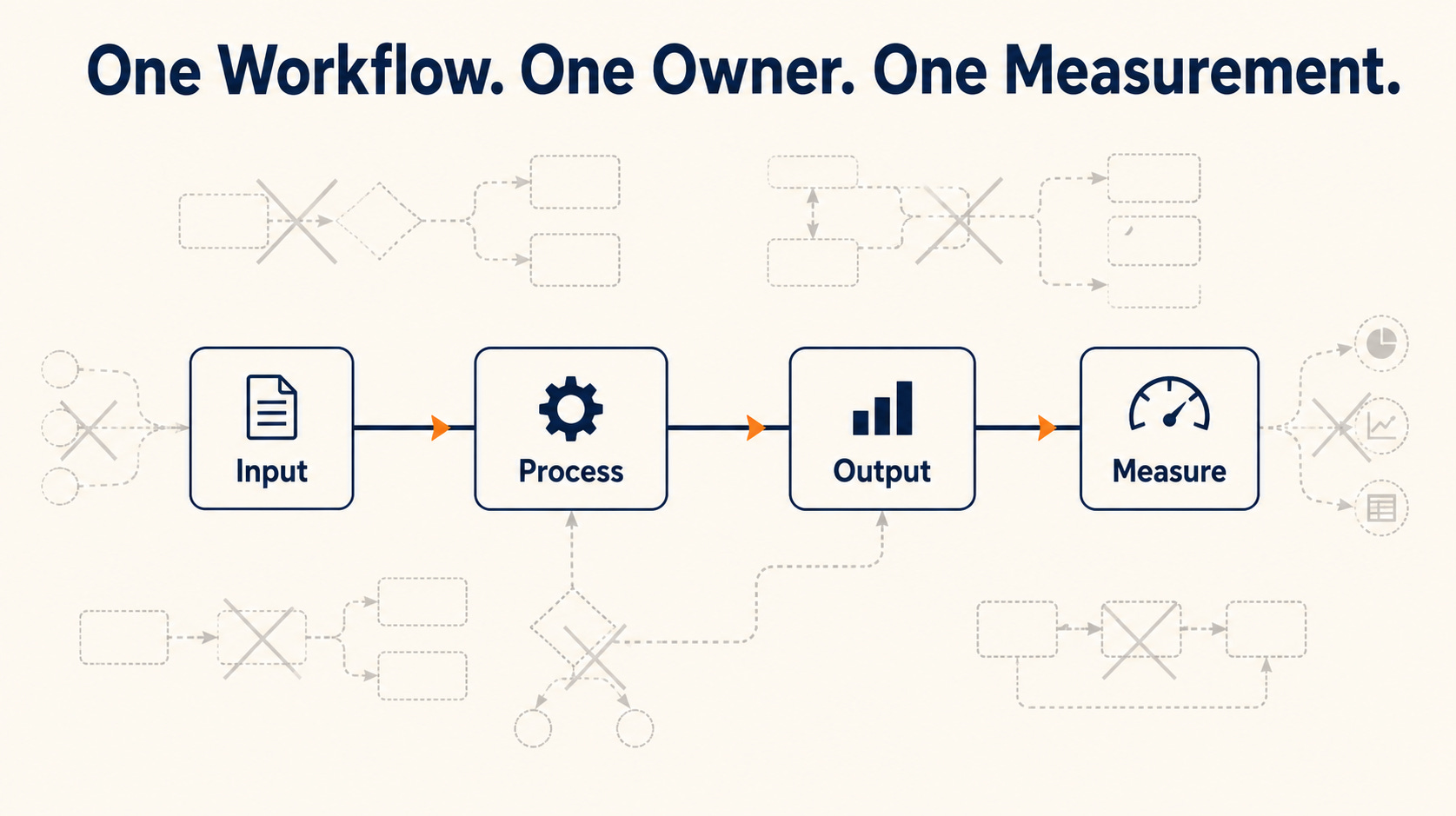
A narrow first workflow is better. One workflow. One owner. One input. One output. One measurement. That is how you get proof without turning AI adoption into a committee exercise.
For example, do not start with, “We need AI for sales.” Start with, “Every inbound lead should be summarized, scored, added to the CRM, and assigned a next step within 15 minutes.” That can be scoped. That can be measured. That can be improved.
Do not start with, “We need AI for operations.” Start with, “Every Friday, the weekly operations report should pull the same metrics, flag anomalies, and draft a short executive summary.” That is boring. Good. Boring workflows are where the money hides.
The more specific the first build, the faster you can answer the only question that matters: did this actually save time, reduce errors, speed up response, or improve decisions?
Score the Workflow Before You Buy the Tool
Most businesses get this backwards. They buy the tool, then hunt for the use case. That is how you end up with another login, another subscription, and no measurable result.
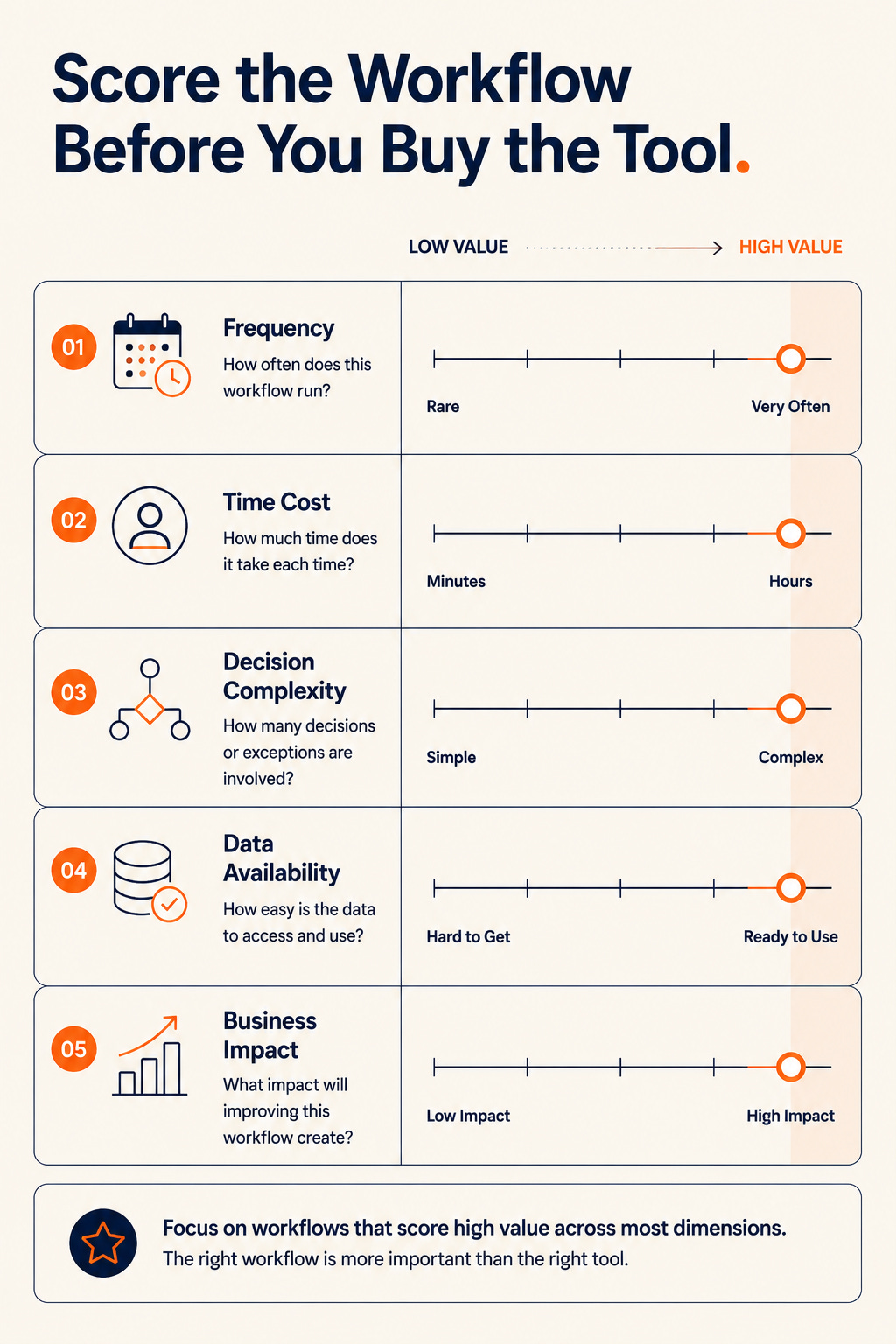
Score the workflow first. Use a simple five-part model:
-
Frequency: How often does the task happen?
-
Time cost: How many minutes or hours does it consume each cycle?
-
Decision complexity: How much human judgment is required?
-
Data availability: Are the inputs already in emails, forms, docs, spreadsheets, CRM records, or tickets?
-
Business impact: What improves if this task gets faster or cleaner?
The sweet spot is simple: high frequency, meaningful time cost, low to medium decision complexity, accessible data, and clear business impact.
That is why recurring admin work is often the best first target. It is not glamorous, but it has the right shape. It repeats. It follows patterns. It creates delay. It usually has accessible inputs. It has measurable output.
Glean’s Work AI Index adds an important warning here. Workers are spending an average of 6.4 hours per week botsitting AI, meaning they are prompting, checking, correcting, and managing AI output. That is what happens when businesses bolt AI onto messy work without designing the workflow around it.
If your automation needs constant babysitting, you have not created leverage. You have created a new chore with better branding.
AI ROI Comes From Workflow Design, Not Tool Hype
McKinsey’s State of AI research shows that AI adoption is already broad, with 78% of organizations using AI in at least one business function. Adoption is not the hard part anymore. Useful implementation is.
PwC’s 2025 AI Jobs Barometer points in the same direction: industries most exposed to AI are seeing stronger revenue per employee growth. That is the promise. But the promise does not come from random usage. It comes from redesigning the work so the technology has somewhere useful to plug in.
This is where small businesses have an advantage. They do not need enterprise theatre. They do not need a 90-day steering committee. They need a short list of painful recurring tasks, a scoring model, and one focused build that proves value.
The test is simple. If the task disappears for a week, does anyone notice? If the answer is no, do not automate it. If the answer is yes because quotes slow down, customers wait longer, reports stop coming, or follow-ups get missed, you have found something worth fixing.
Build the First Workflow, Then Expand From Proof
The first AI automation should not be treated like a one-off trick. It should become the template for how your business adopts AI without wasting time.
Build one workflow. Measure it. Document what changed. Then decide whether the next adjacent workflow should connect to it.
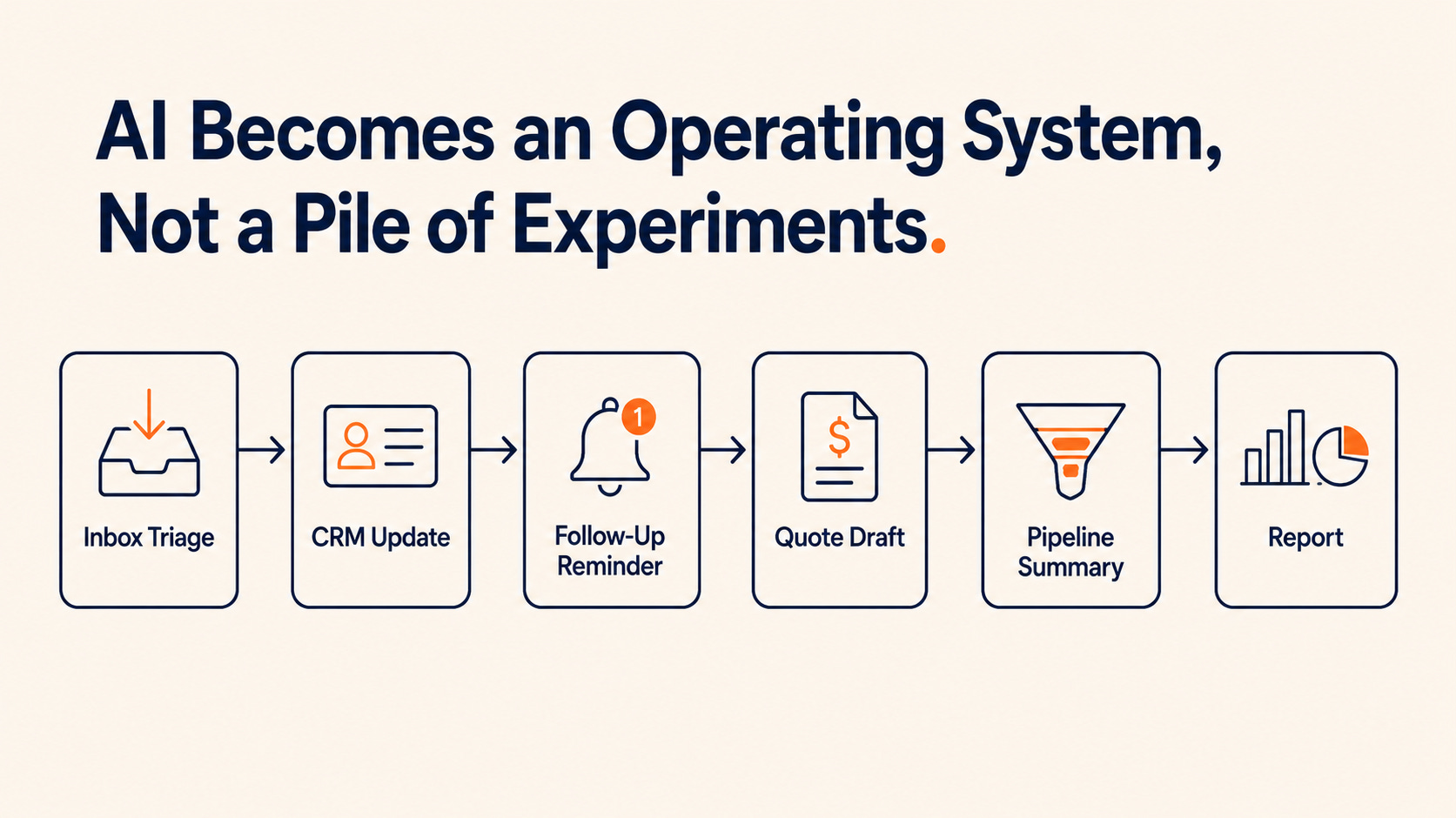
That expansion path matters. Inbox triage can lead to CRM updates. CRM updates can lead to follow-up reminders. Follow-up reminders can lead to quote draft preparation. Quote draft preparation can lead to weekly pipeline summaries.
That is how AI becomes an operating system instead of a pile of experiments.
But the order matters. Start narrow. Prove value. Expand from evidence. Skip the theatre.
Start With the Task Everyone Avoids
If your team keeps delaying a task, do not ignore it. Do not shame people into doing it manually forever. Use it as a signal.
The first automation should be boring, frequent, measurable, and painful enough that fixing it creates obvious relief. That is how SMBs get practical AI ROI without getting distracted by hype.
If you run a small or mid-sized business and can already name the task your team hates most, that is probably where the conversation should start. I help SMBs turn messy recurring work into practical AI workflows that save time, reduce misses, and create real operating leverage. Send me the task. I will help you figure out if it is worth automating. Visit JC Labs to get started.